Private AI Meeting Transcriptions for Live Conversations.

Record meetings, interviews, and lectures live with fully on-device transcription, speaker separation, and AI summaries. Uploads are supported too, but your meetings stay the focus.

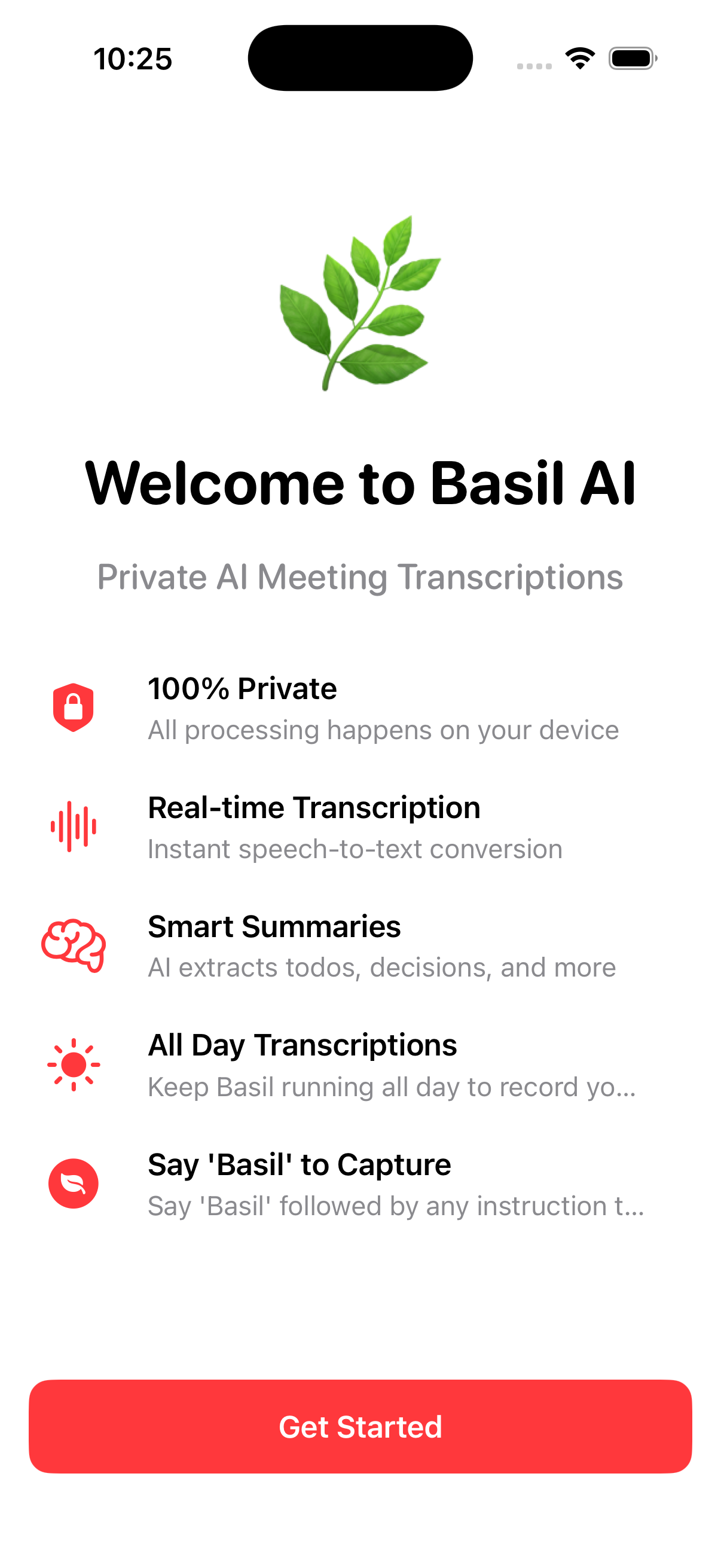
✓ Live Meeting Recording ✓ Fully Diarized Transcripts ✓ AI Summaries On-Device ✓ 100% Private

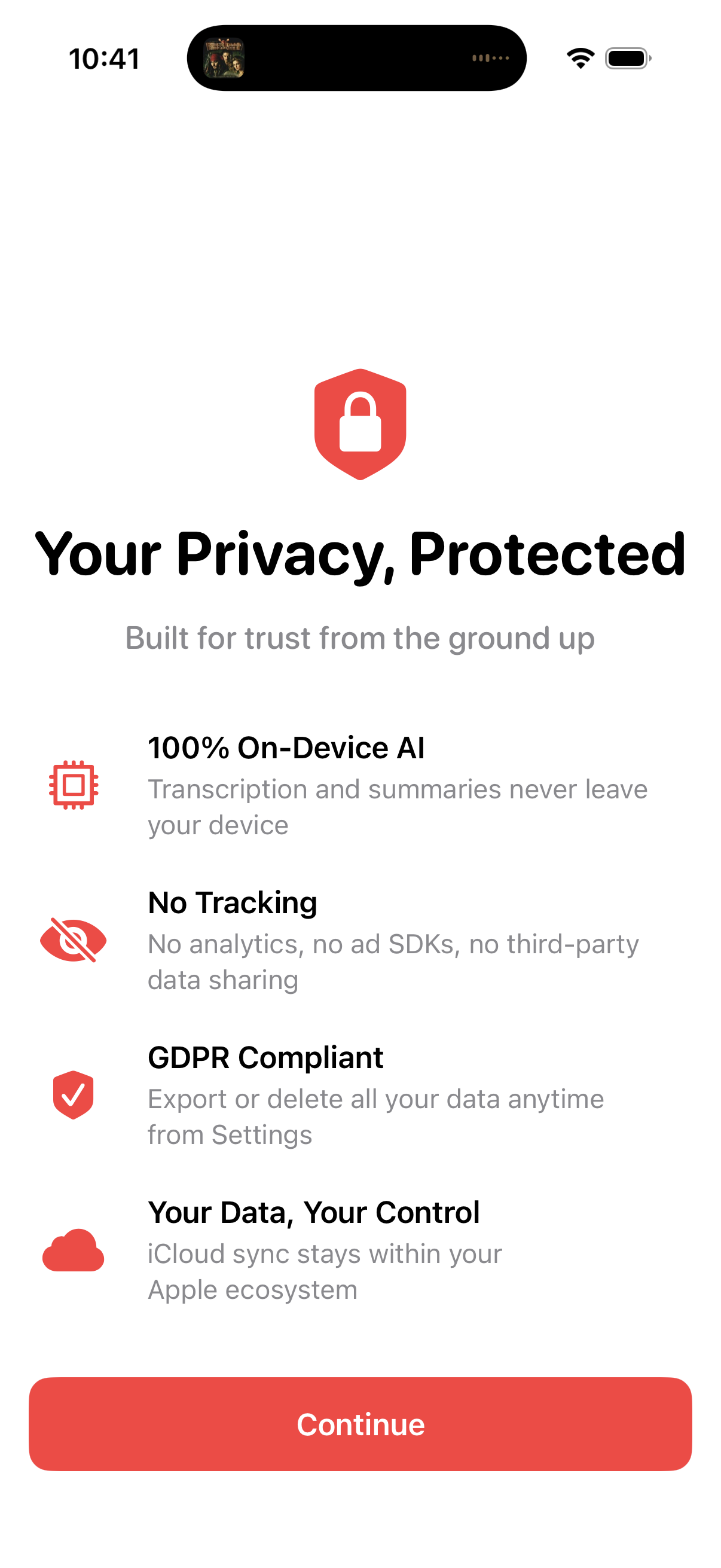
Everything Stays on Your Device

Basil is built for live meetings first, with every transcript, speaker label, and summary processed locally on your iPhone, iPad, or Mac.

How It Works

1. Record or Upload

Start a live recording or import an audio file you already have. No cloud handoff required.

2. Basil Processes On-Device

Transcription, speaker diarization, and summary generation happen locally on your Apple device.

3. Review and Share

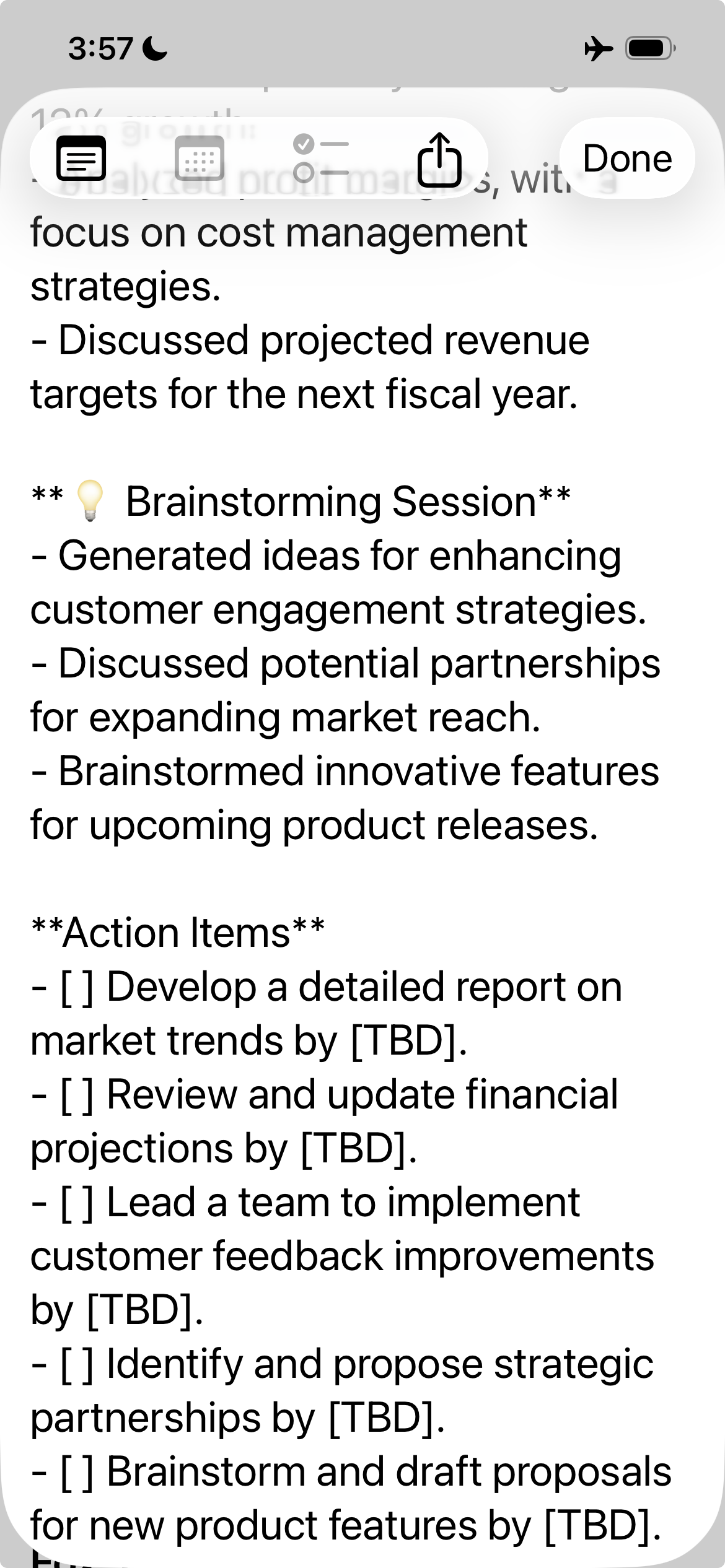
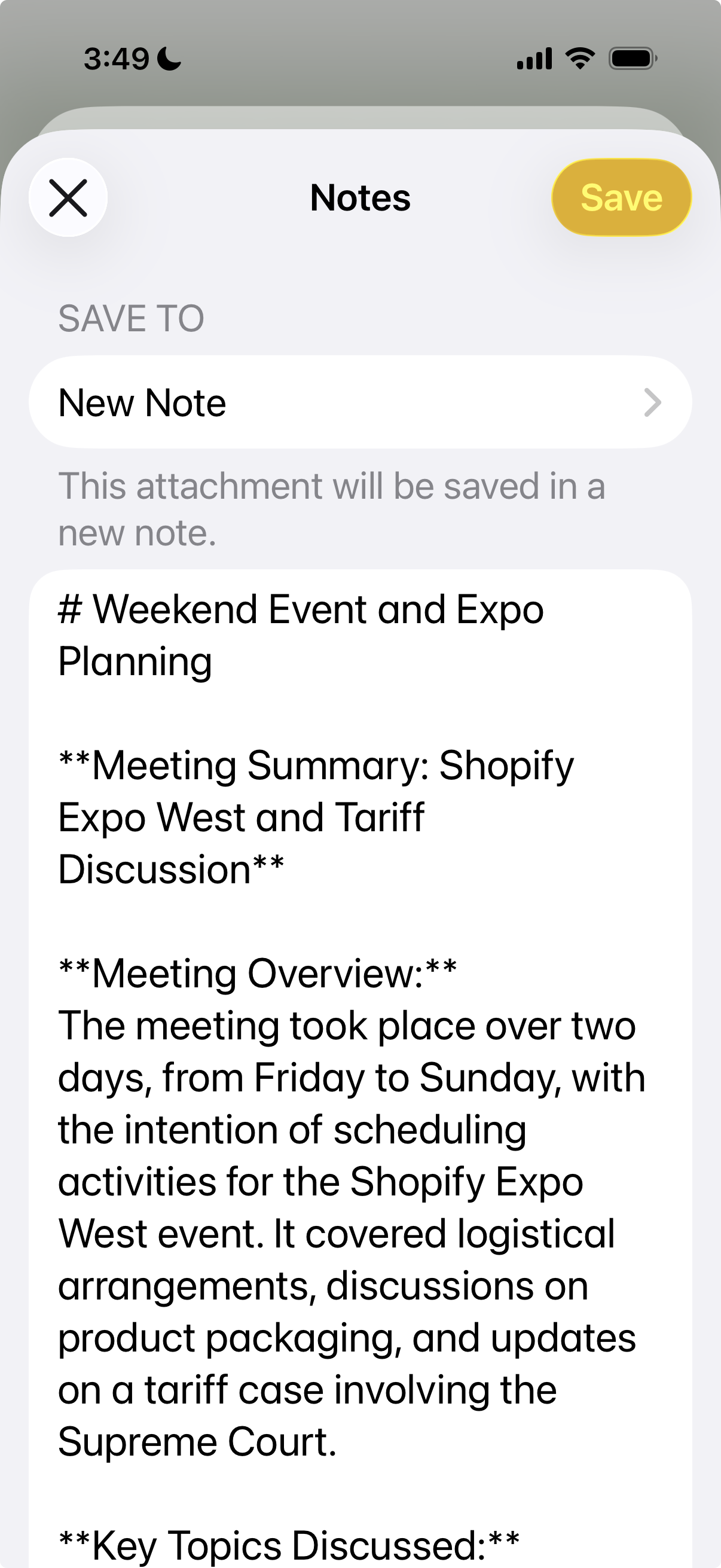
Read a structured transcript, scan the summary, and export what you need to Notes, Files, or your workflow.

Simple, Transparent Pricing

Start free, upgrade when you need more

Free

$0/month
  • 60 minutes/month recording
  • Full transcription quality
  • Export to Notes & Files
  • All basic features
  • Unlimited recording
  • Priority support
Get Started

See It in Action

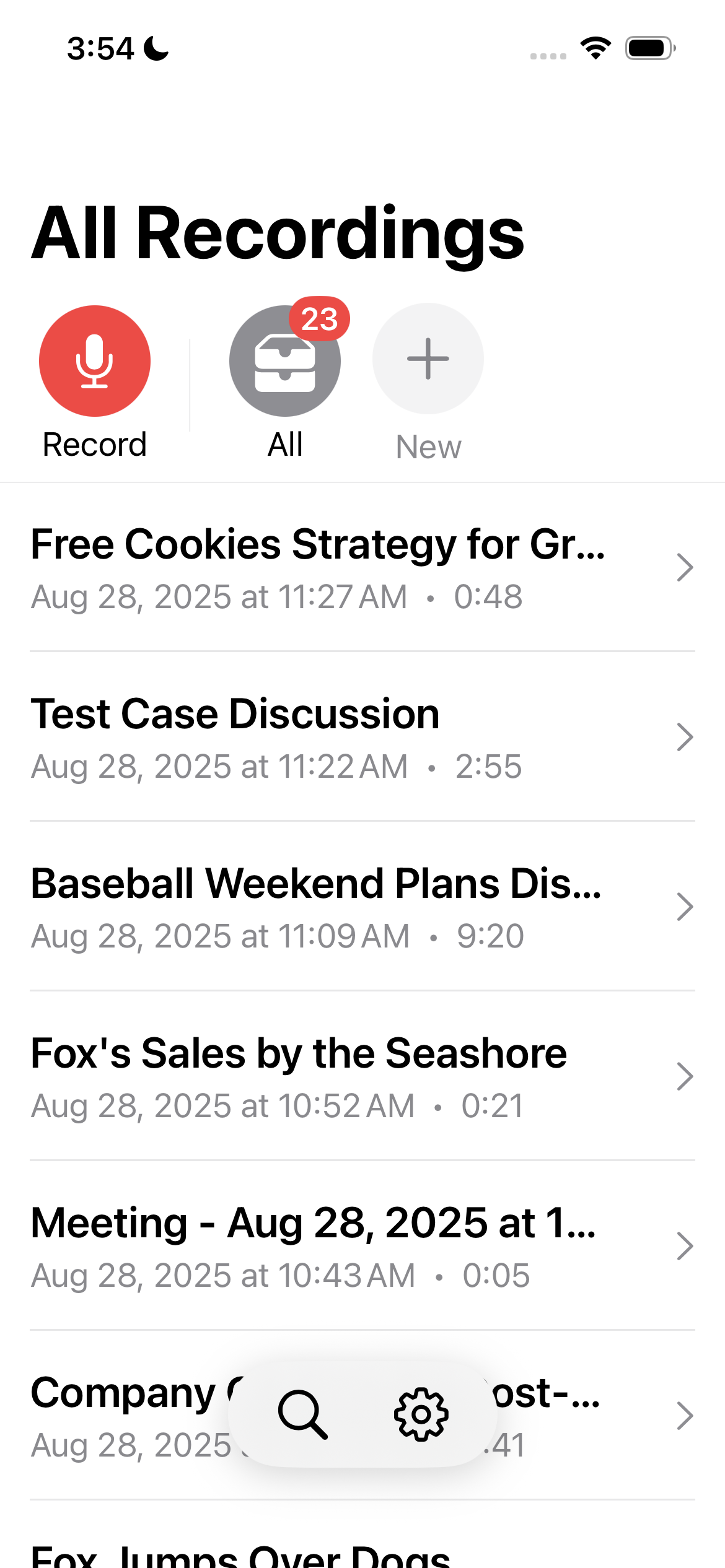
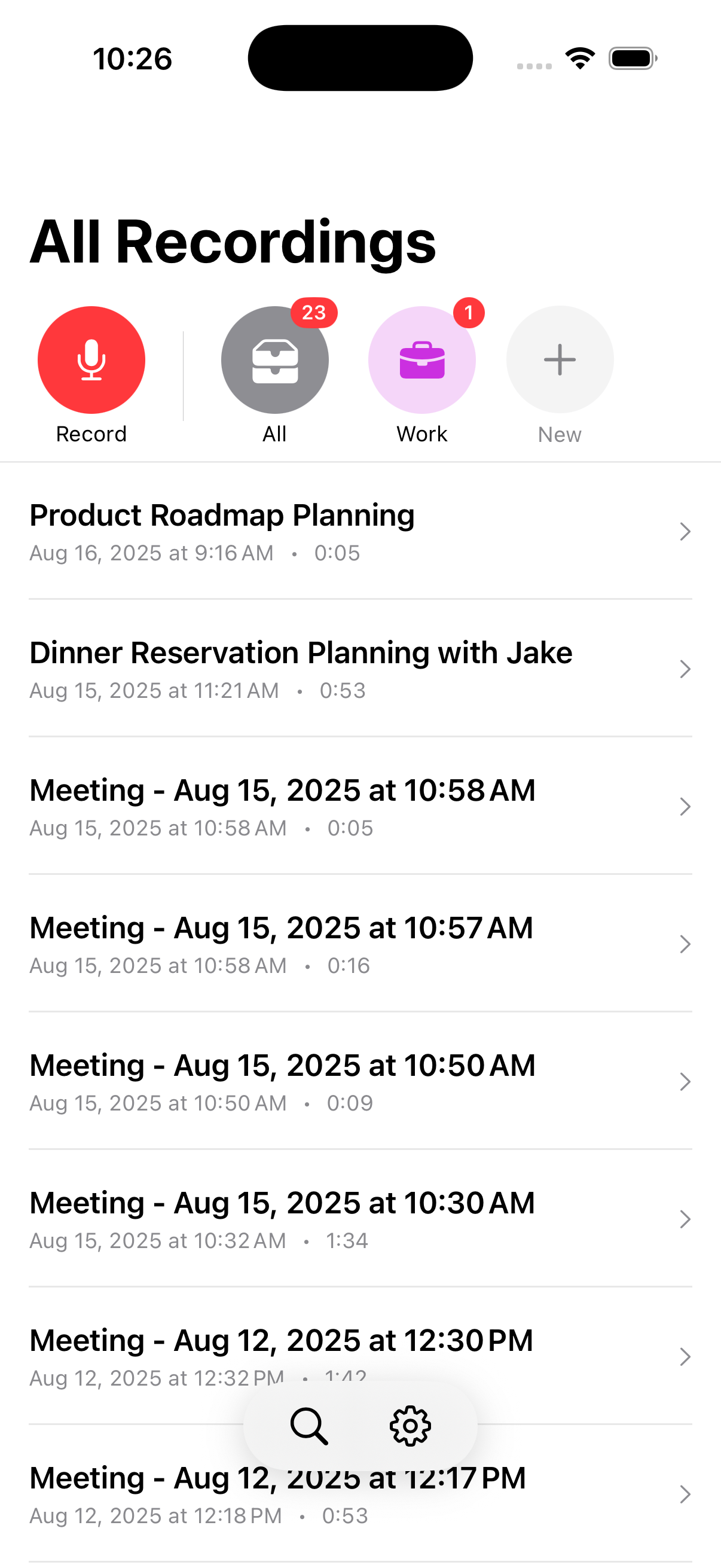
Recordings List

Keep live recordings and imported audio files together in one library

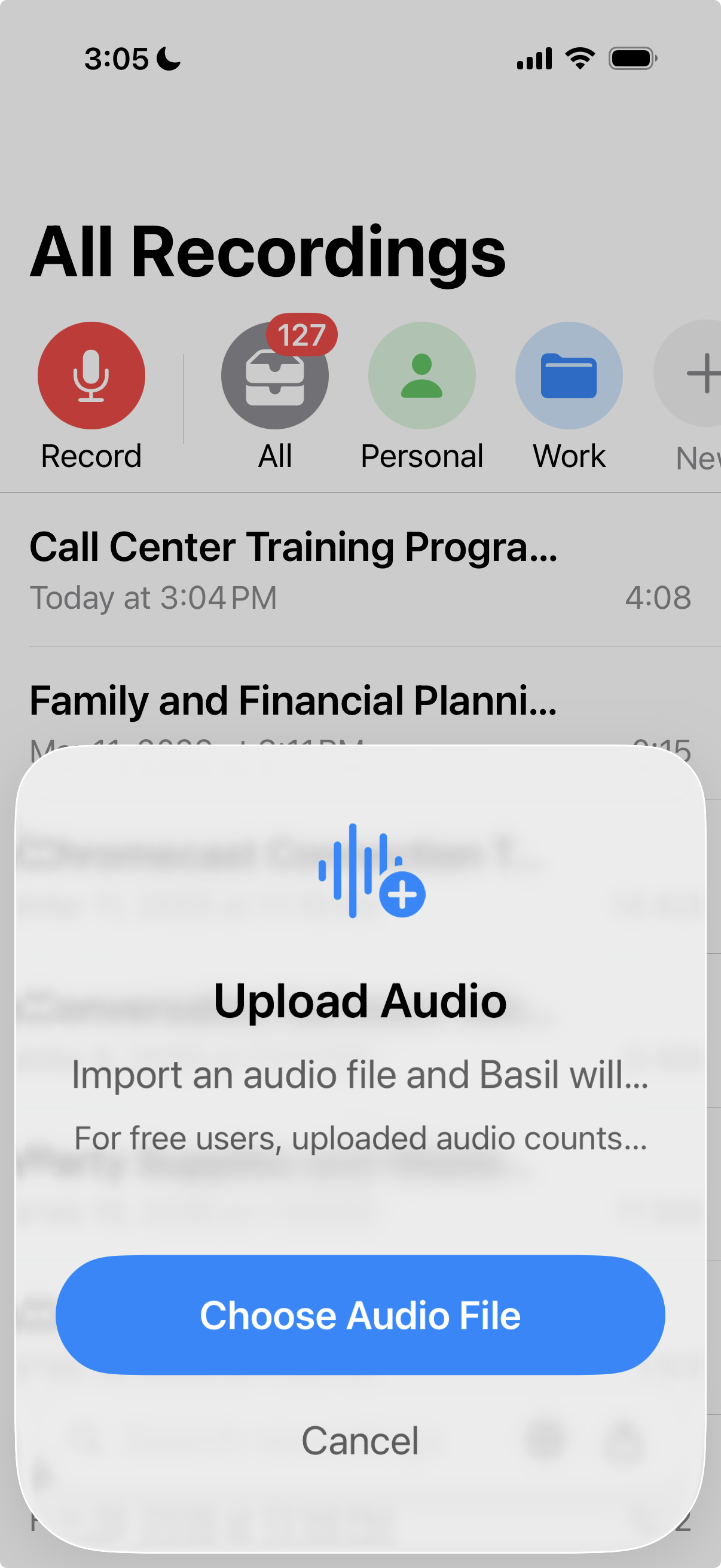
Upload audio file modal

Import audio files from your device for private transcripts, speaker labels, and summaries

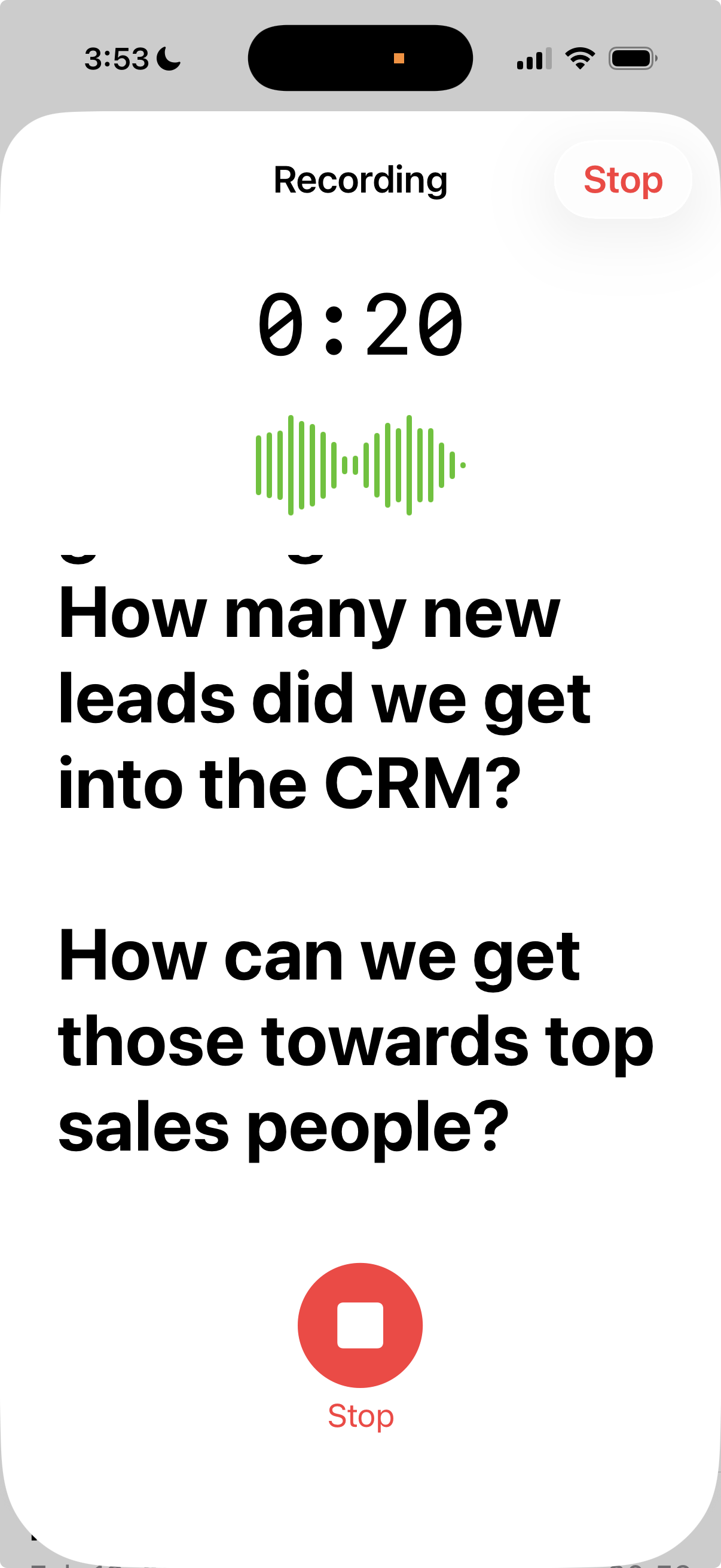
Active Recording

Real-time transcription as you speak

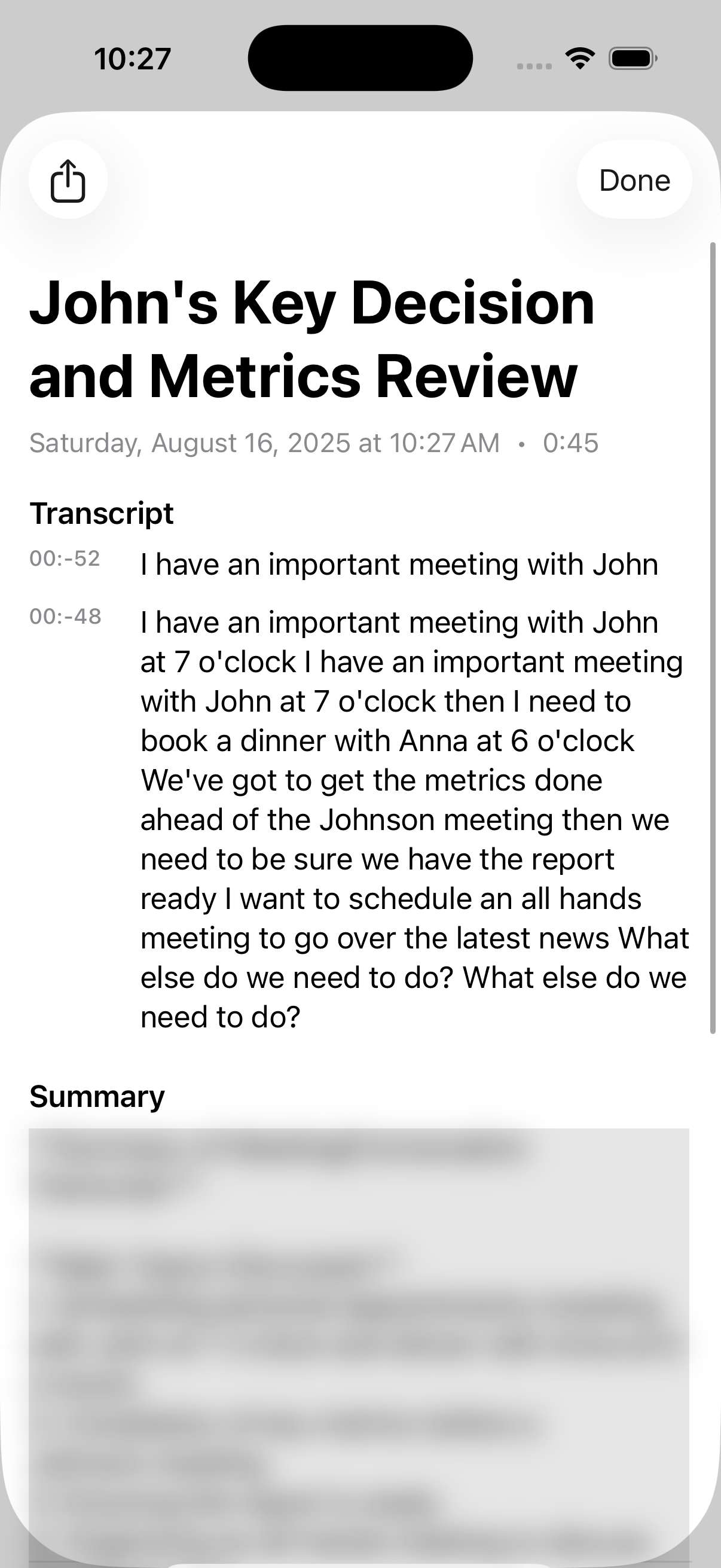
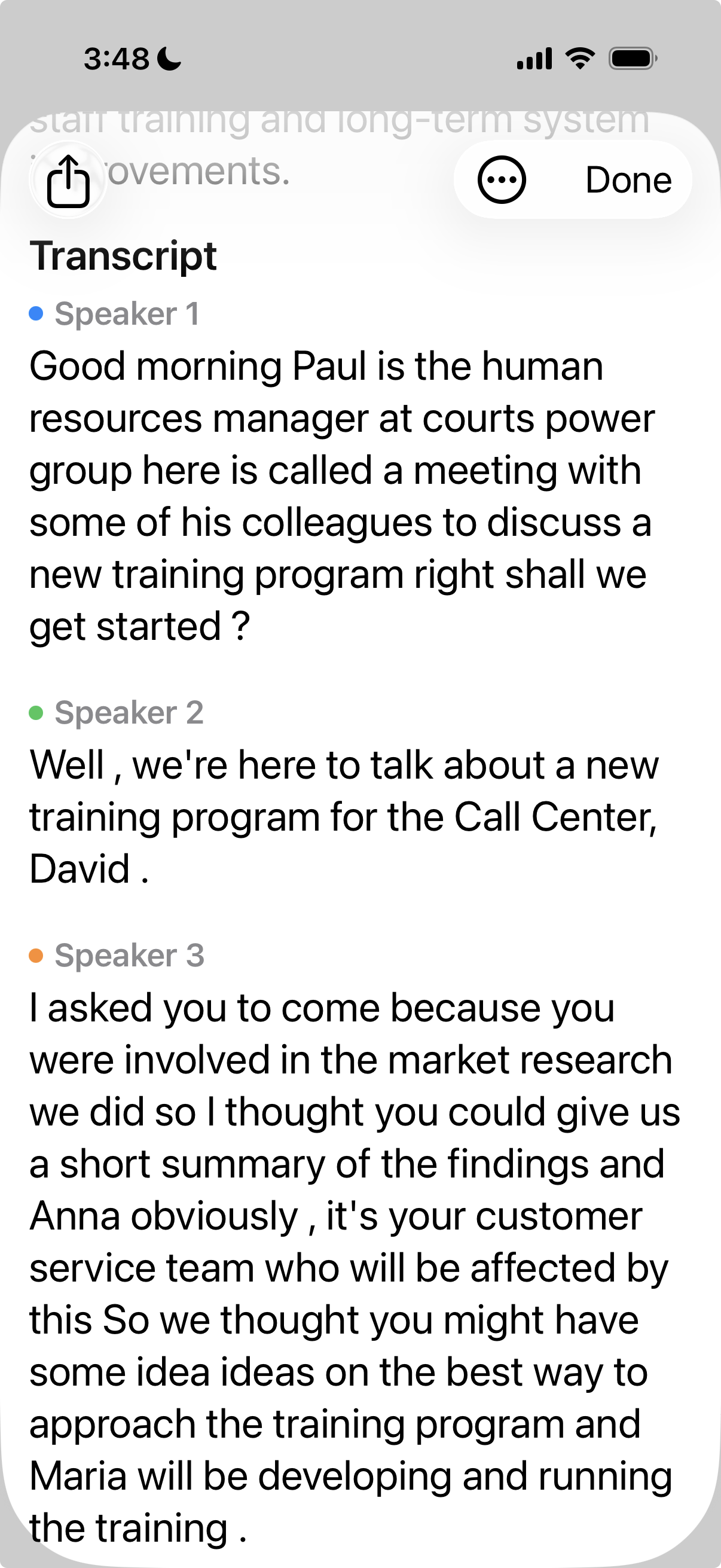
Transcript View

Full transcript with smart formatting

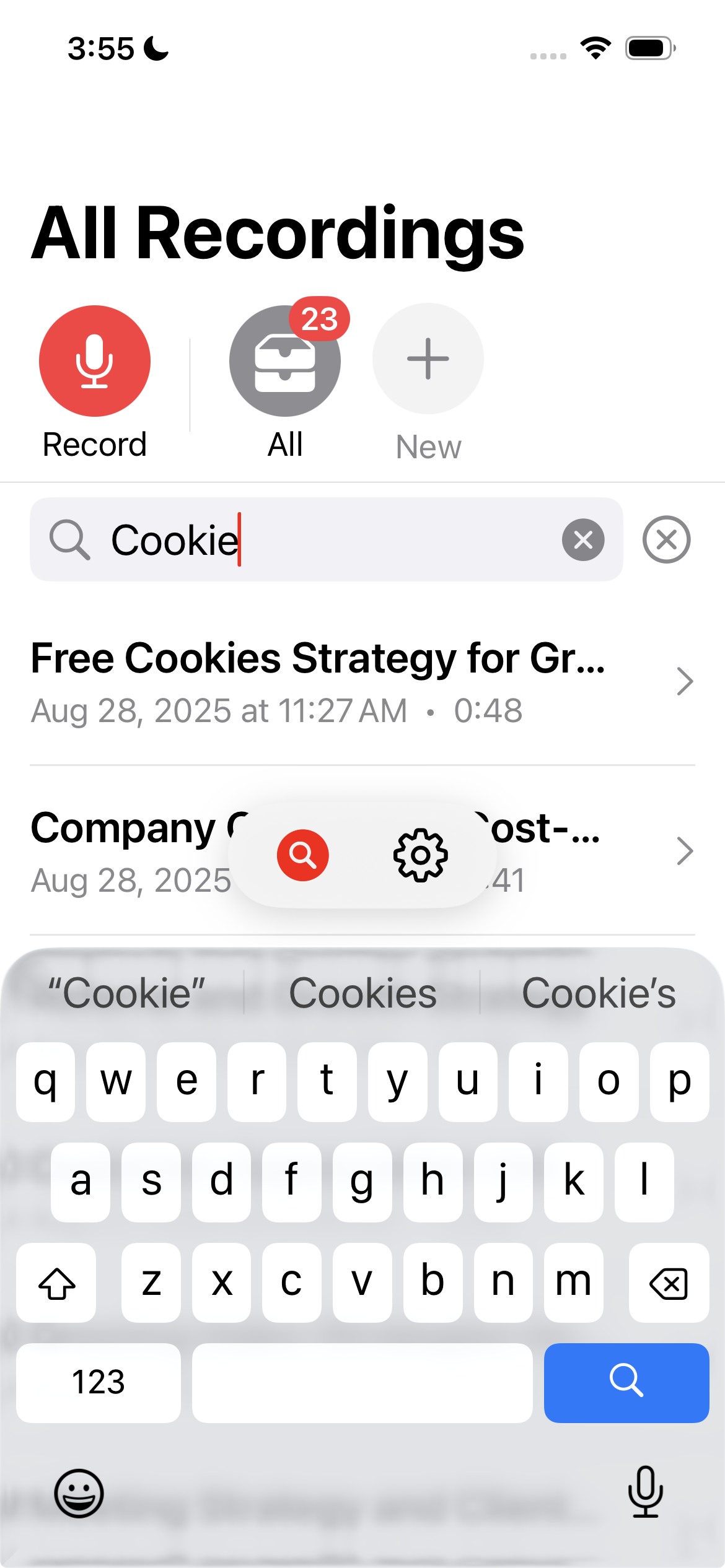
Search

Quickly find any recording with search

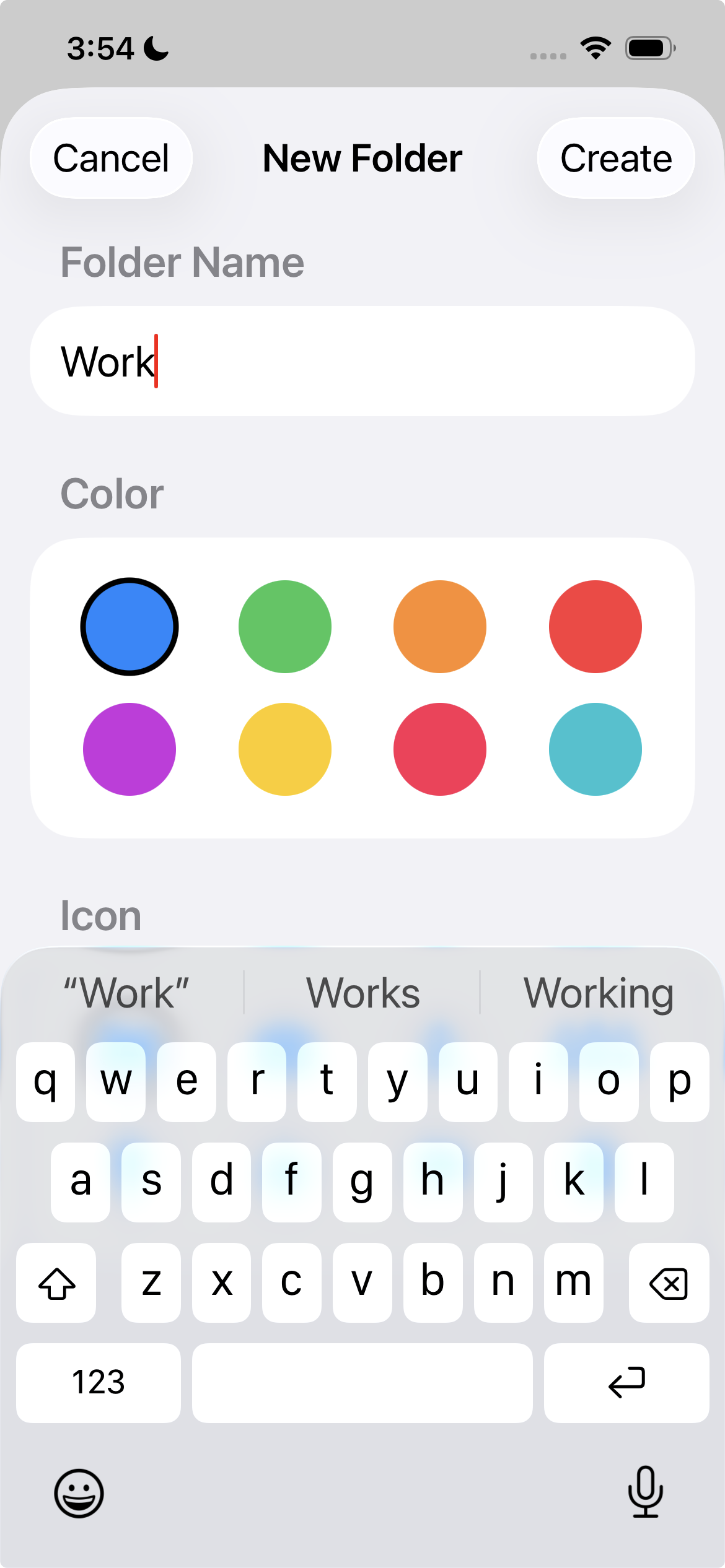
Folder Organization

Create custom folders to organize recordings

Share Options

Export and share transcripts anywhere

Save to Files

Save transcripts to iCloud or local storage

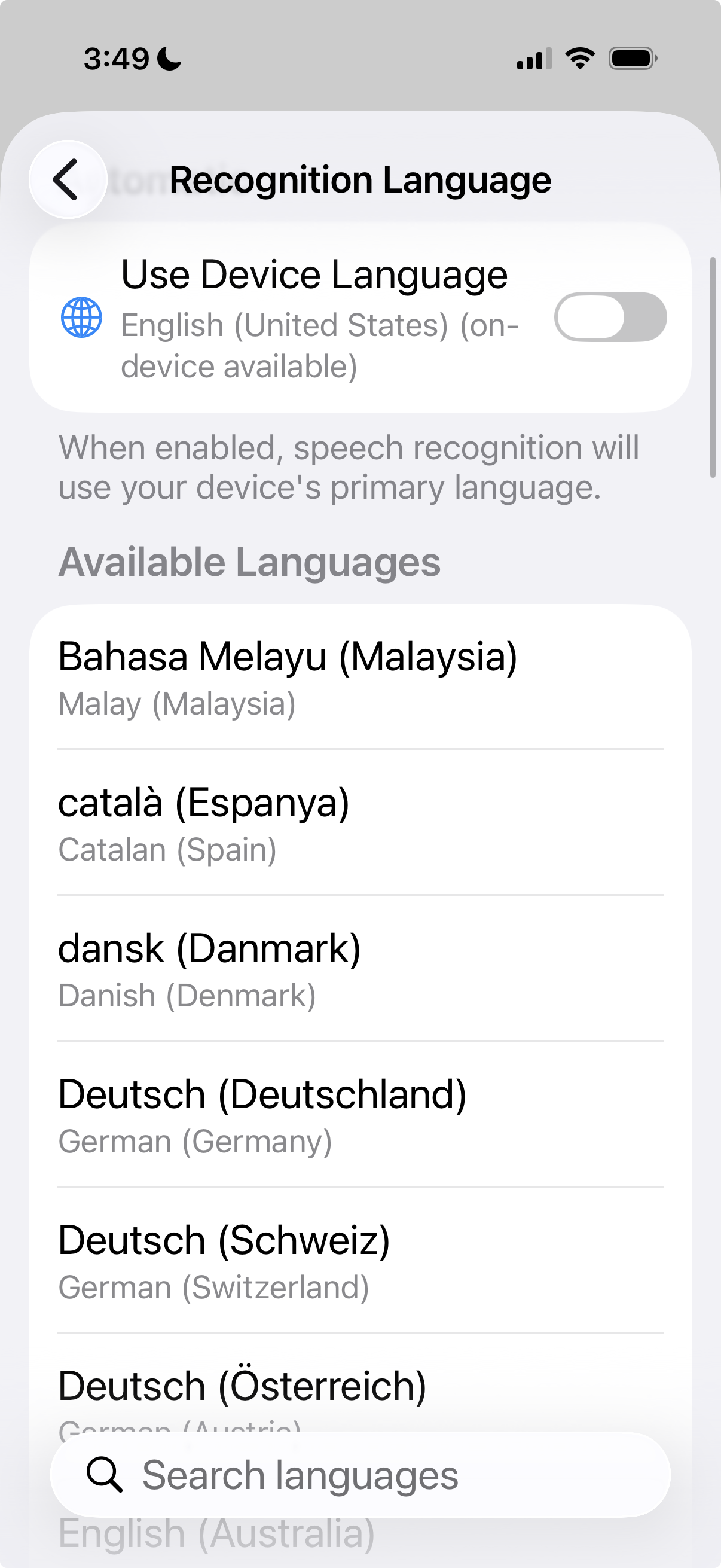
Settings

Privacy-first settings and preferences

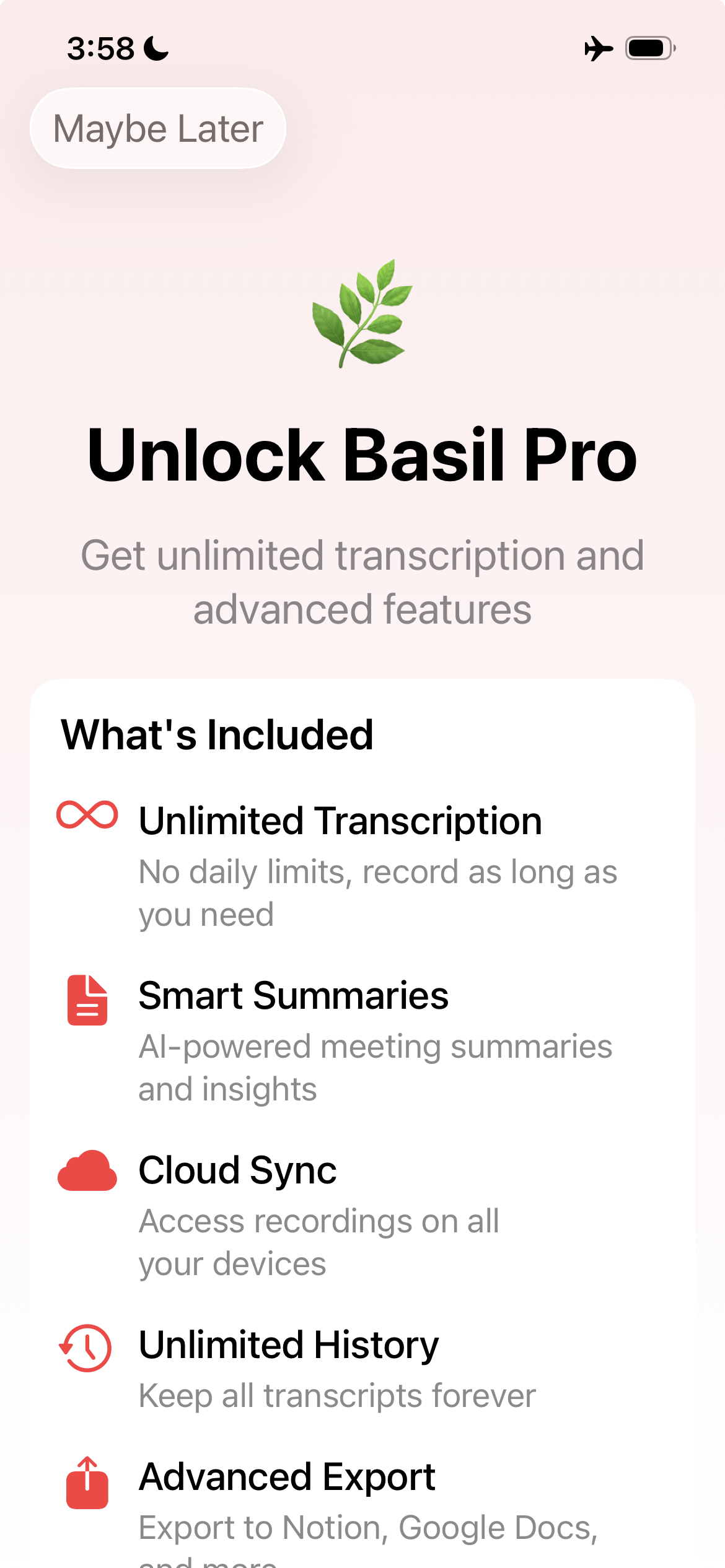
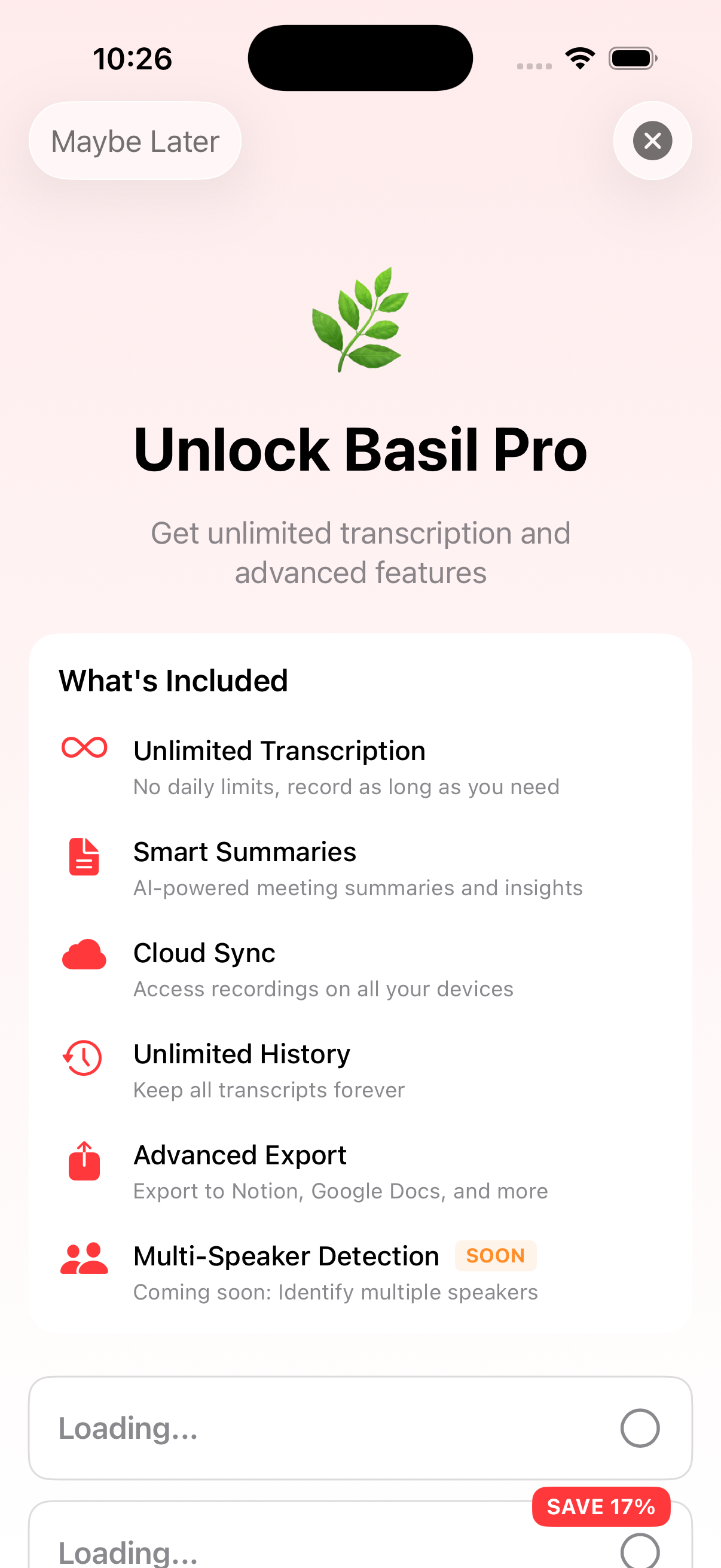
Pro Features

Unlock unlimited recording with Pro

Ready to Transform Your Meetings?

Join thousands who trust Basil AI for private, intelligent transcription

Free to try • 3-day trial for Pro features

Frequently Asked Questions

Does audio ever leave my device?

No. Basil AI processes all audio 100% on-device using Apple's Speech Recognition framework and the Neural Engine. Your recordings, transcripts, and summaries never leave your iPhone, iPad, or Mac. There are no cloud servers involved.

Do you use my data to train AI models?

Absolutely not. Basil AI has no access to your data. Everything stays on your device. We cannot see, access, or use your recordings or transcripts for any purpose, including AI training.

Is Basil HIPAA and GDPR compliant?

Yes. Because Basil processes everything on-device with zero cloud storage, it is compliant with HIPAA and GDPR by design. There is no data processor, no third-party subprocessors, and no risk of server-side data breaches.

Can I upload audio files for transcription and summaries?

Yes. Basil AI can process uploaded audio files entirely on-device and generate fully diarized transcripts plus AI summaries without sending the audio to the cloud.

Does it work offline?

Yes. Since all processing happens on-device, Basil works without an internet connection. You can record, transcribe, and summarize meetings anywhere—on a plane, in a basement, or in a secure facility with no Wi-Fi.

What devices does Basil support?

Basil AI is a universal app for iPhone, iPad, and Mac. One subscription unlocks all devices. We also offer a free browser-based transcription tool at basilai.app/app/ for quick web-based recording.